
AI Tools Expert & Founder
Quick answer
How do you use ChatGPT for SEO keyword research?
Use ChatGPT to expand seed topics into reader questions, long-tail phrasing, and intent-based topic clusters. Because language models cannot see live search volumes, export or paste those ideas into a keyword grouping and intent workflow and cross-check with Search Console or a keyword database.
Use ChatGPT to brainstorm keyword ideas, organize research, and draft page briefs. Verify demand and competition with appropriate data before choosing a target.
This guide provides prompts for a small website's research workflow. Generated ideas are candidates, not measured search opportunities.
What ChatGPT can and cannot establish
An assistant can suggest phrasing, related questions, and provisional groups. It can also summarize a keyword export or Search Console report you provide.
Without a current, identified data source, it cannot establish monthly search volume, keyword difficulty, competitor rankings, or a live trend.
Even when browsing is available, confirm which pages and data it accessed. Reading a competitor's article does not reveal its actual organic traffic.

Supply the research context and data. Do not treat generated numbers as measured keyword metrics.
Step 1: define a useful research brief
Specify the audience, their task, market, language, and what your site can help them do.
For example, an editor reviewing AI-written metadata needs a different page from someone seeking an instant title generator.
List the pages you already have. This helps you decide whether to improve a page, add a section, or create a separate guide.
Related guide: evidence-based audience research
Step 2: generate specific keyword candidates
1
2
3
4
5
6
7
Suggest 20 keyword candidates for [audience] trying to [task] in [market/language].
My site can provide: [capabilities and experience]
Existing pages: [URLs and purposes]
Include questions, troubleshooting needs, and workflow phrases.
For each idea, state the proposed reader task and suitable page type.
Do not invent search volume, difficulty, trends, or guaranteed ranking potential.
Label intent as a hypothesis needing search-result review.
Review relevance before asking for more ideas. A large generated list can hide unrelated topics.
Long-tail refers to the less frequently searched part of demand distribution. Word count alone does not establish demand or ranking difficulty.

These are keyword candidates. Validate relevance and demand before planning pages.
Step 3: validate demand and search intent
Check suitable keyword data and inspect current search results in the target market.
Record the provider, date range, location, language, and whether similar terms are grouped.
Search results may favor tools, tutorials, comparisons, or product pages. Choose a format that can satisfy the reader's task.
A narrow guide can address a family of related questions. You do not need a separate article for every wording variation.
A missing or zero estimate does not prove nobody searches the topic. It also does not establish meaningful traffic potential.
Look for supporting evidence in existing impressions, customer questions, related terms, and current result formats.
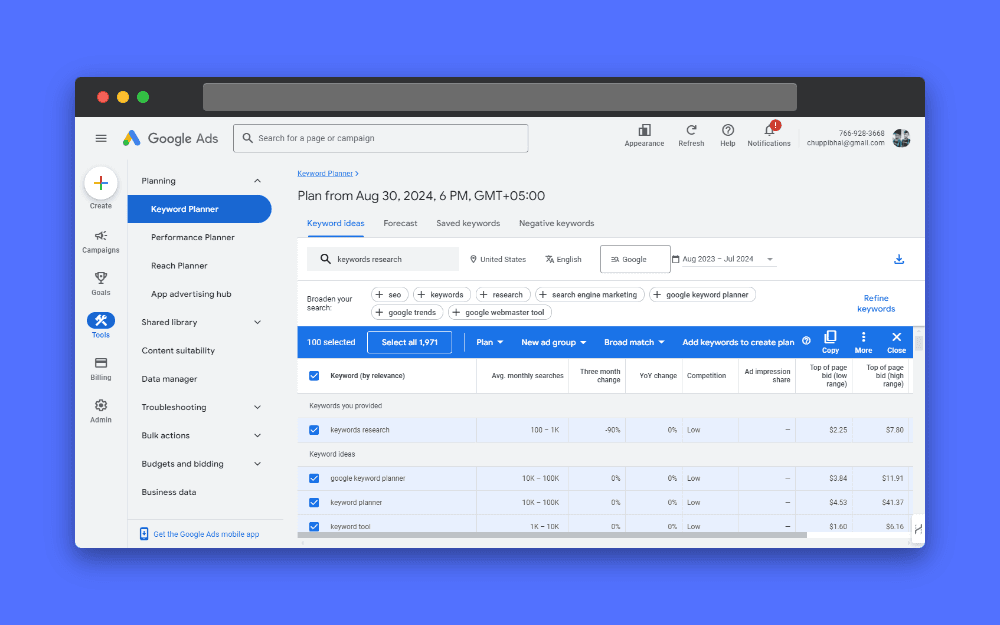
Keyword Planner provides advertising research data. Advertising competition is different from organic ranking difficulty.
Google Keyword Planner documentation
Step 4: organize verified exports without inventing metrics
If your shortlist needs research data or grouping features, compare the available tools before choosing a platform.
See the keyword-tool comparison and free-access limits
1
2
3
4
5
6
7
Review this keyword export: [data]
Data source and settings: [provider, date range, market, language]
Preserve every supplied numeric value and row ID.
Separate supplied metrics from your interpretation.
Flag missing values, mismatched settings, and duplicate rows.
Suggest priorities using relevance, observed intent, existing coverage, and the supplied evidence.
Do not fill missing metrics with guesses.
Spot-check rows after analysis. Large files can be partially read, misinterpreted, or truncated.
Paid-ad competition, CPC, search volume, and organic difficulty describe different things. Do not combine them into a supposed universal ranking score.
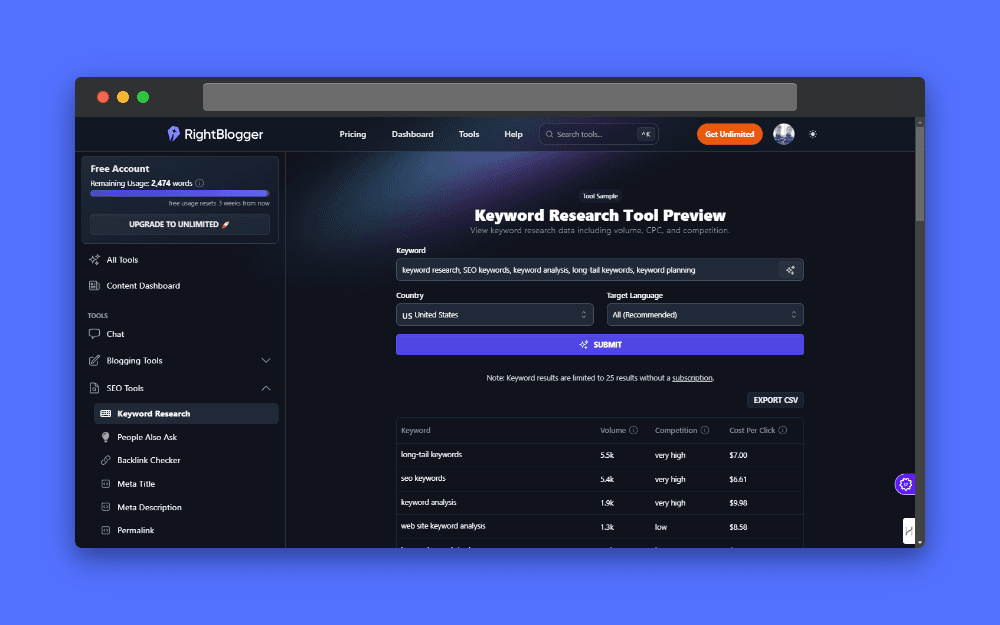
Record the settings and source behind estimates before comparing opportunities.
Step 5: cluster by task and decide page boundaries
1
2
3
4
5
6
Group these verified keyword candidates by reader task and provisional search intent: [list]
Existing pages: [URLs and purposes]
Return each original keyword and proposed group.
Suggest whether to improve an existing page, add a section, or consider a new page.
Flag uncertain groups for current search-result comparison.
Do not create one page per wording variation or assume semantic similarity proves identical intent.
Semantic grouping is a starting point. Compare actual search results and check whether one page can answer the grouped tasks well.
Two pages sharing some words is not automatically harmful cannibalization. Investigate overlapping purpose and actual query performance.
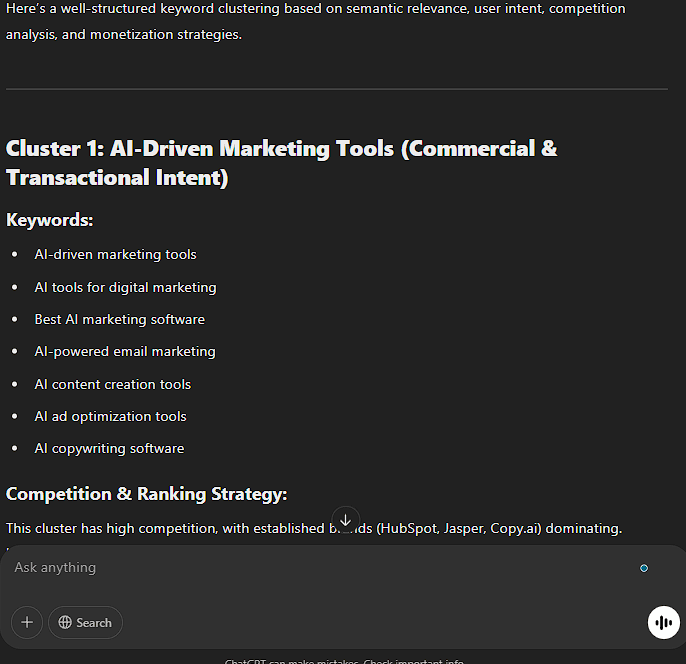
Review proposed groups against the reader's task and current search results.
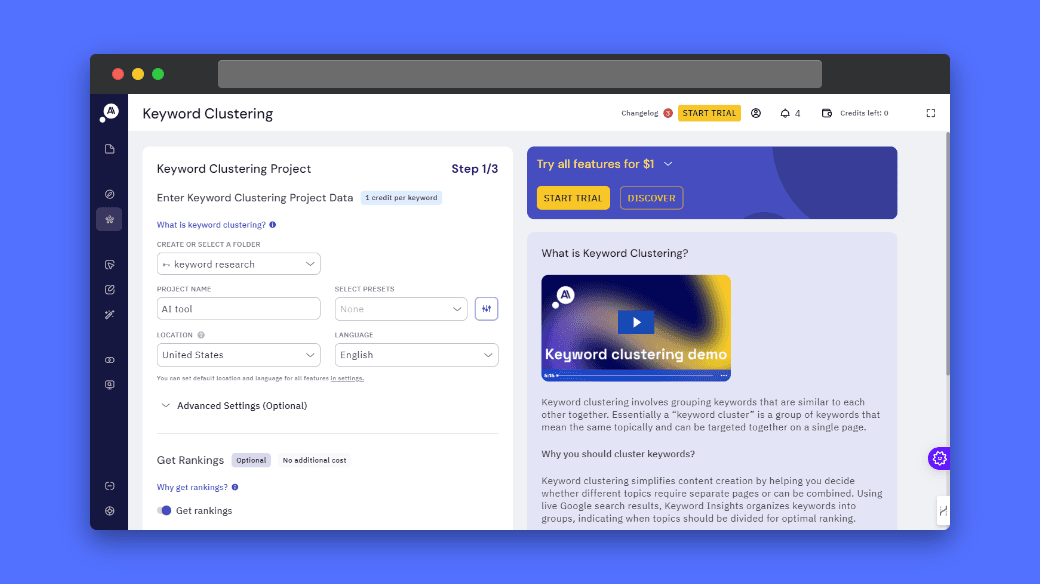
Clustering output helps planning. It does not prove that every group deserves a separate page.
Use the Keyword Clustering Tool
Step 6: analyze competitors using accessible evidence
1
2
3
4
5
6
7
8
Compare my page with these competitor pages.
My page text: [text]
Competitor text or confirmed accessible URLs: [sources]
Target reader task: [task]
Compare coverage, examples, prerequisites, and unsupported claims.
Distinguish observed content from inferred intent.
Do not claim competitor traffic or rankings without supplied data.
Suggest useful additions that I can substantiate, rather than copying their outline.
If an assistant cannot access a URL, paste the relevant content or use a permitted export. Do not accept a fabricated page analysis.
A content gap is useful only when it serves your audience and you can provide value. Competitor coverage is not a requirement to copy.
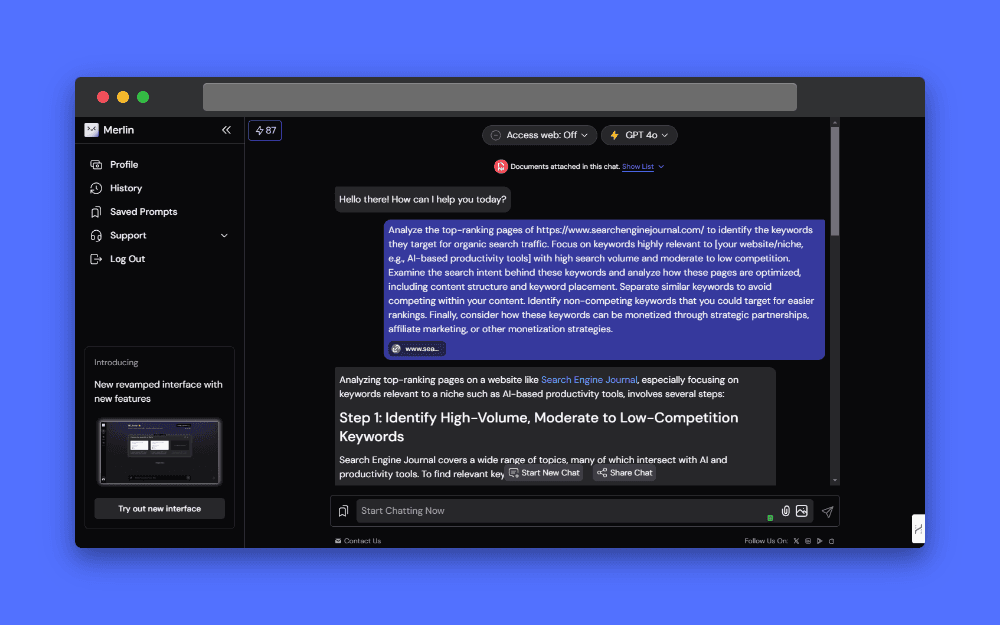
Verify access and supplied evidence before accepting competitor conclusions.
Step 7: investigate trends and local variations
For a trend, supply recent source data. Ask the assistant to explain that data rather than guess what is currently popular.
Google Trends reports relative interest, not absolute monthly volume. Keep the comparison settings consistent.
For local research, name the real service area and task. Avoid generating location pages that offer no useful local information.
1
2
3
4
5
Analyze this supplied trend or local research data: [records]
Settings and source: [details]
Describe supported patterns and limitations.
Separate relative interest from absolute volume.
Do not invent current demand or recommend locations my business does not serve.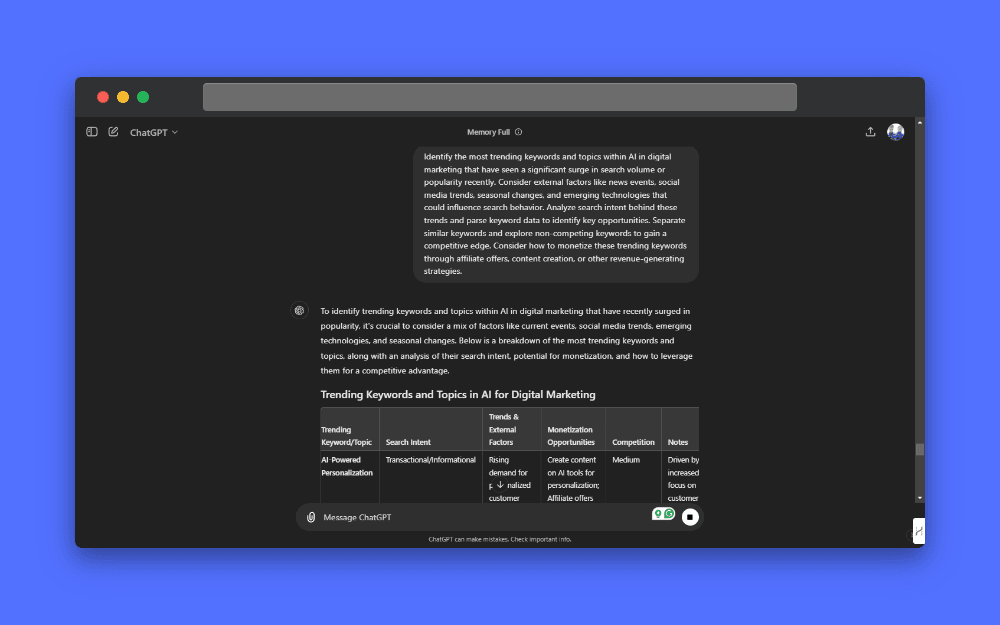
A trend suggestion needs current supporting data. Generated tables alone do not verify popularity.
Step 8: turn a chosen task into a content brief
Choose a clear page purpose and related questions. List the evidence, examples, and limitations needed to answer them.
1
2
3
4
5
6
Create a brief for [reader task].
Validated keyword group: [terms and evidence]
Existing relevant pages: [URLs]
My supported experience and examples: [details]
Propose a distinct H1, sections, and useful internal links.
Flag claims requiring research. Do not force every keyword into every heading or promise rankings.
Use ordinary descriptive language. There is no target keyword-density percentage or mandatory LSI keyword checklist.
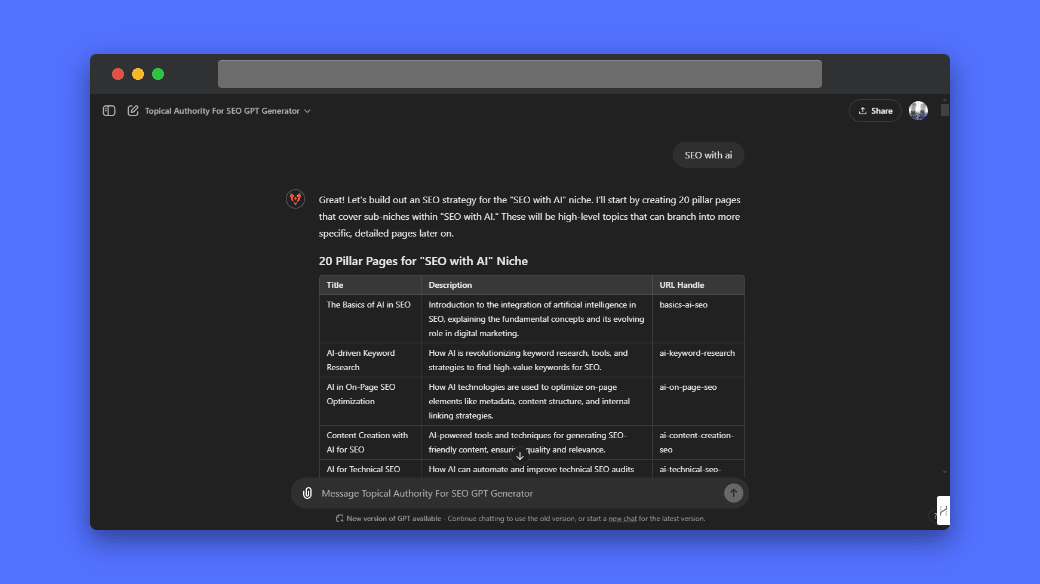
A topical map suggests possible coverage. Validate audience value before treating an idea as demand.
Historical research-tool screenshots
The following screenshots illustrate earlier interfaces and prompts. Numeric values, plans, and limits should be checked against current sources.
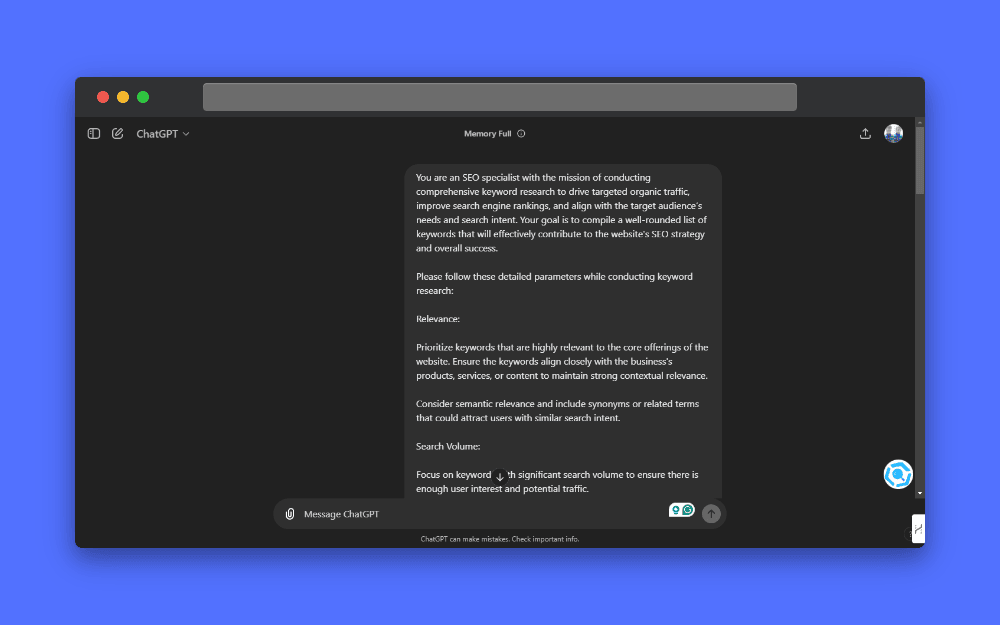
Historical example. AI-generated metrics are unverified unless linked to an identified data source. Check current features and limits.
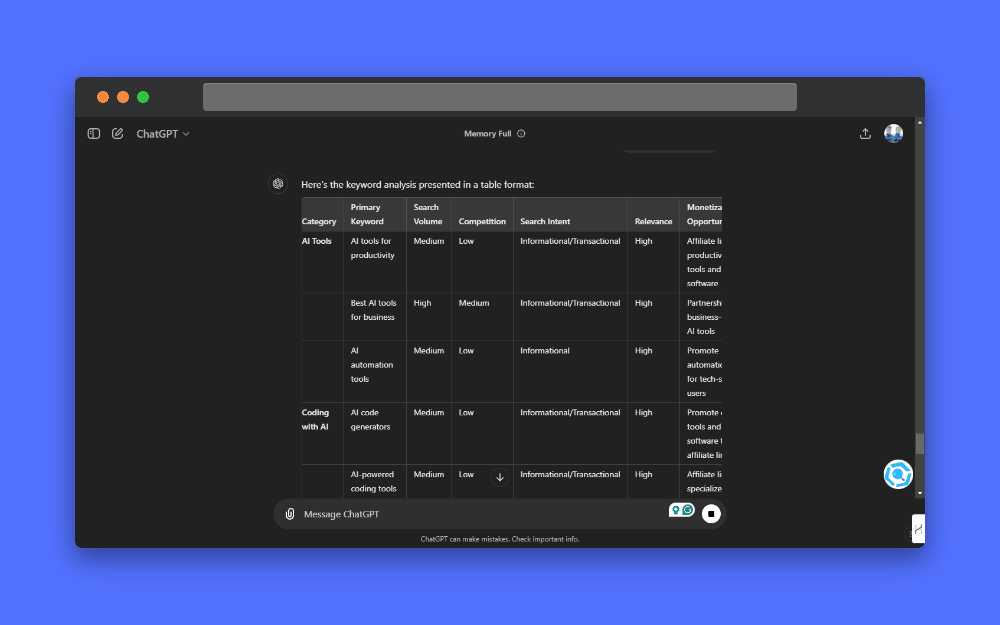
Historical example. AI-generated metrics are unverified unless linked to an identified data source. Check current features and limits.
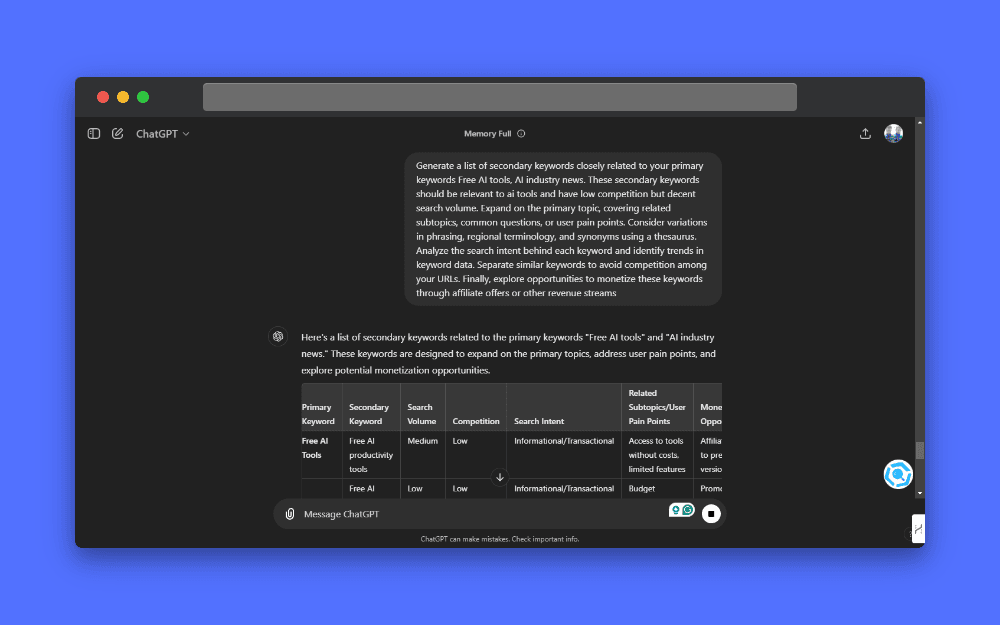
Historical example. AI-generated metrics are unverified unless linked to an identified data source. Check current features and limits.
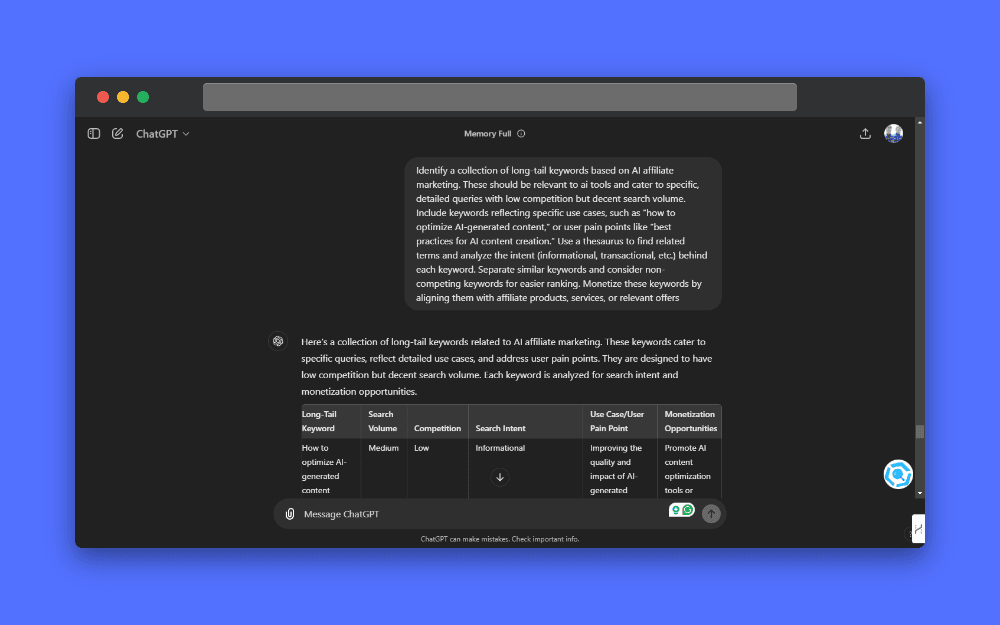
Historical example. AI-generated metrics are unverified unless linked to an identified data source. Check current features and limits.
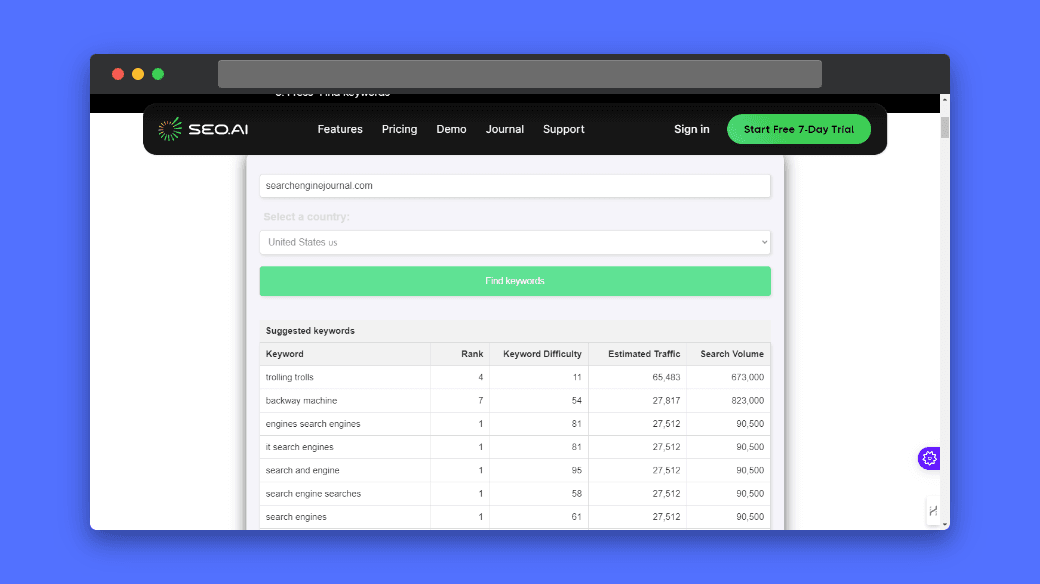
Historical example. AI-generated metrics are unverified unless linked to an identified data source. Check current features and limits.
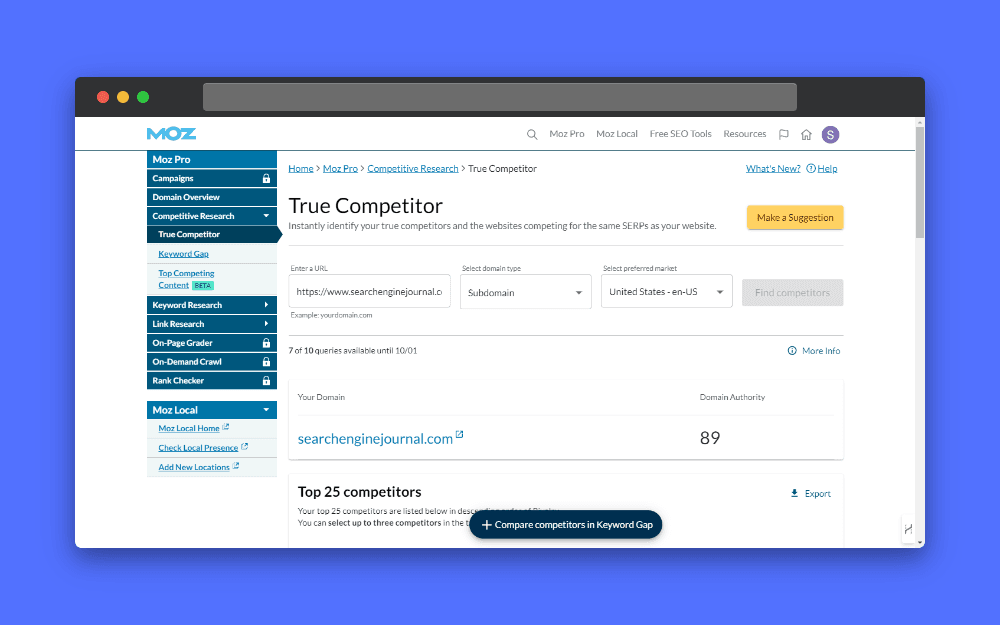
Historical example. AI-generated metrics are unverified unless linked to an identified data source. Check current features and limits.
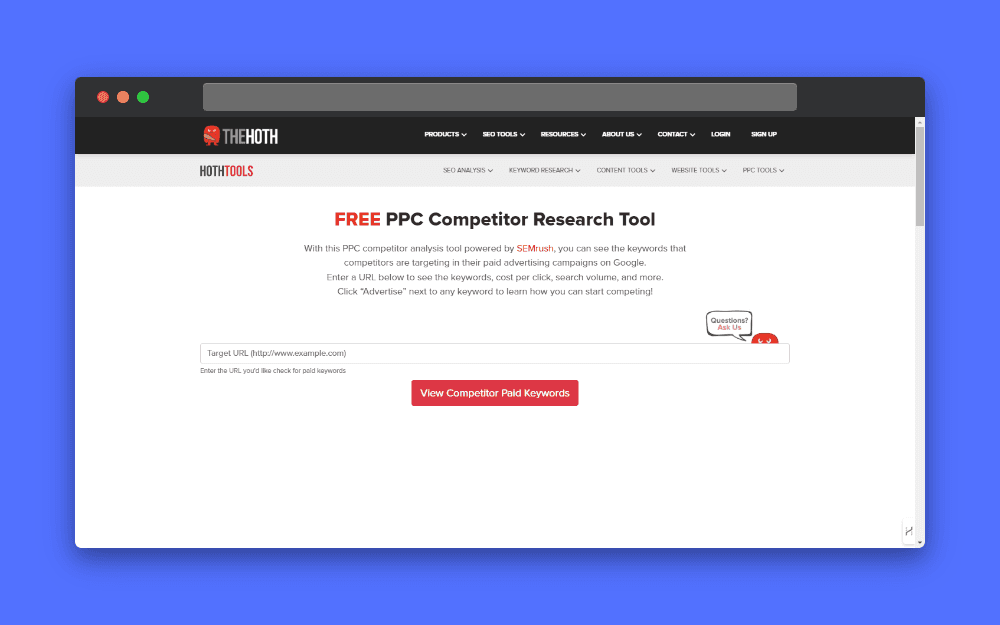
Historical example. AI-generated metrics are unverified unless linked to an identified data source. Check current features and limits.
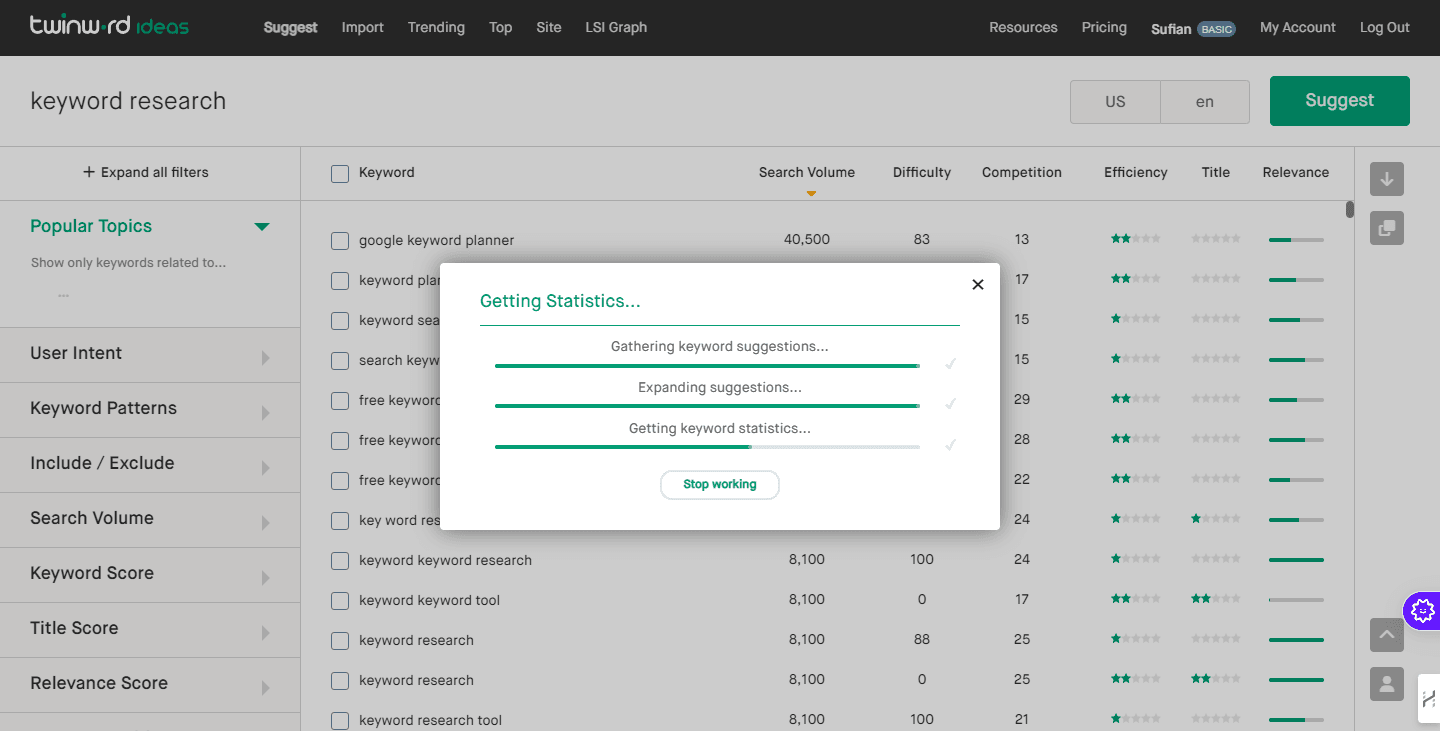
Historical example. AI-generated metrics are unverified unless linked to an identified data source. Check current features and limits.
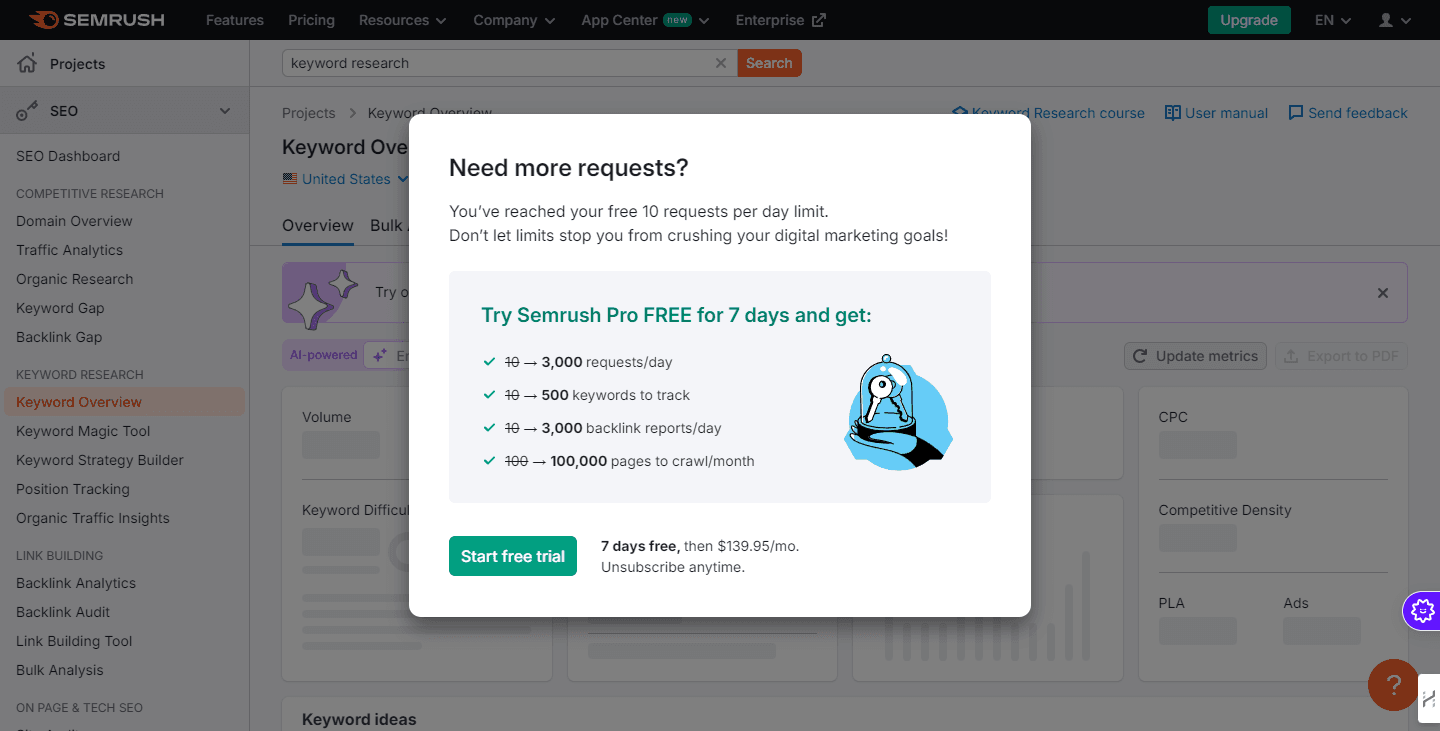
Historical example. AI-generated metrics are unverified unless linked to an identified data source. Check current features and limits.
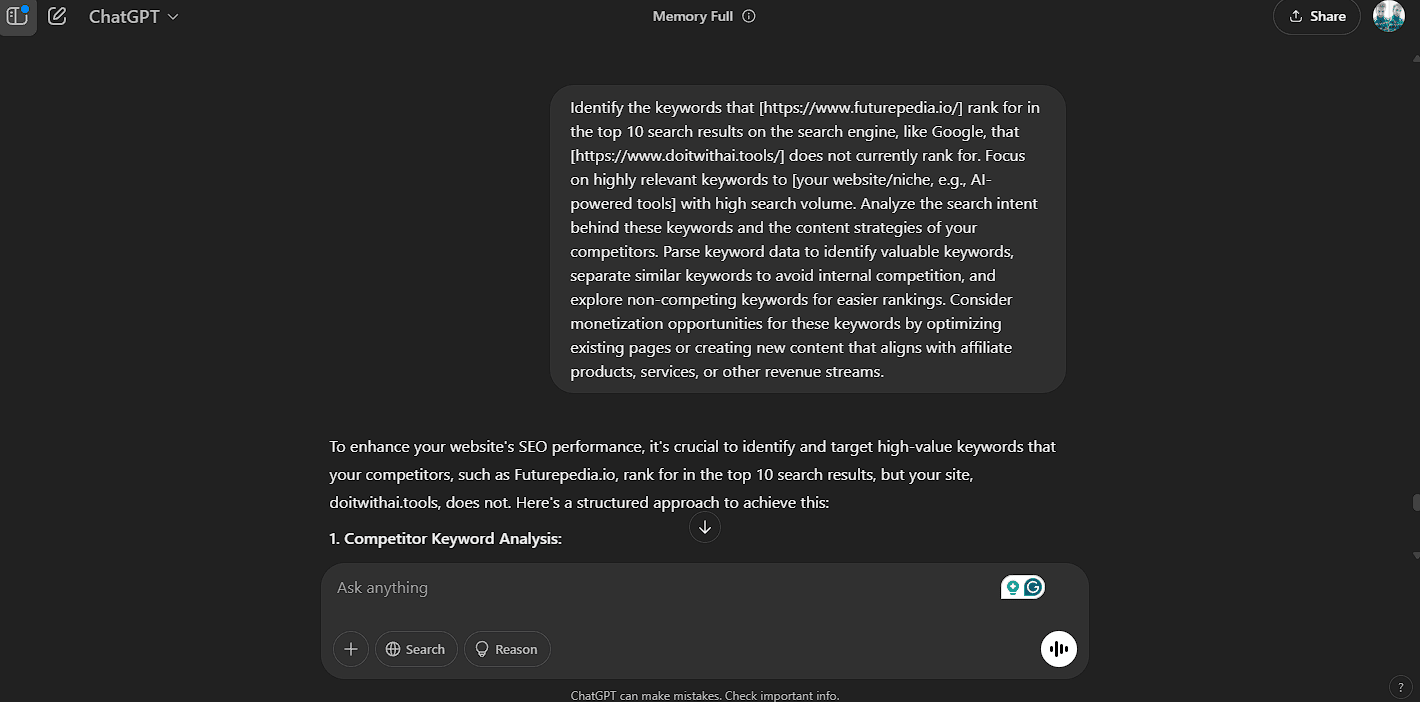
Historical example. AI-generated metrics are unverified unless linked to an identified data source. Check current features and limits.
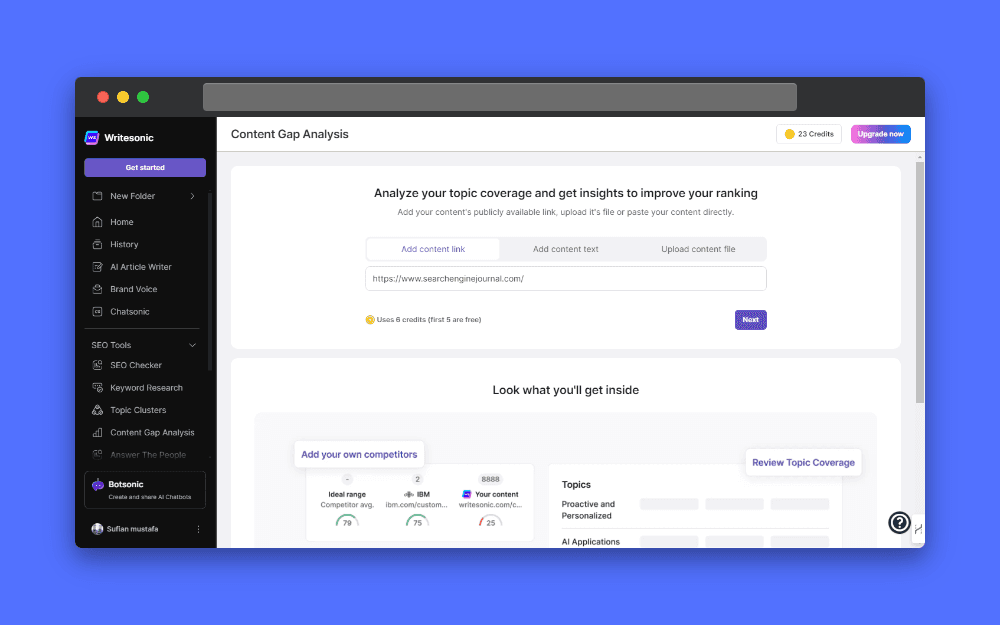
Historical example. AI-generated metrics are unverified unless linked to an identified data source. Check current features and limits.
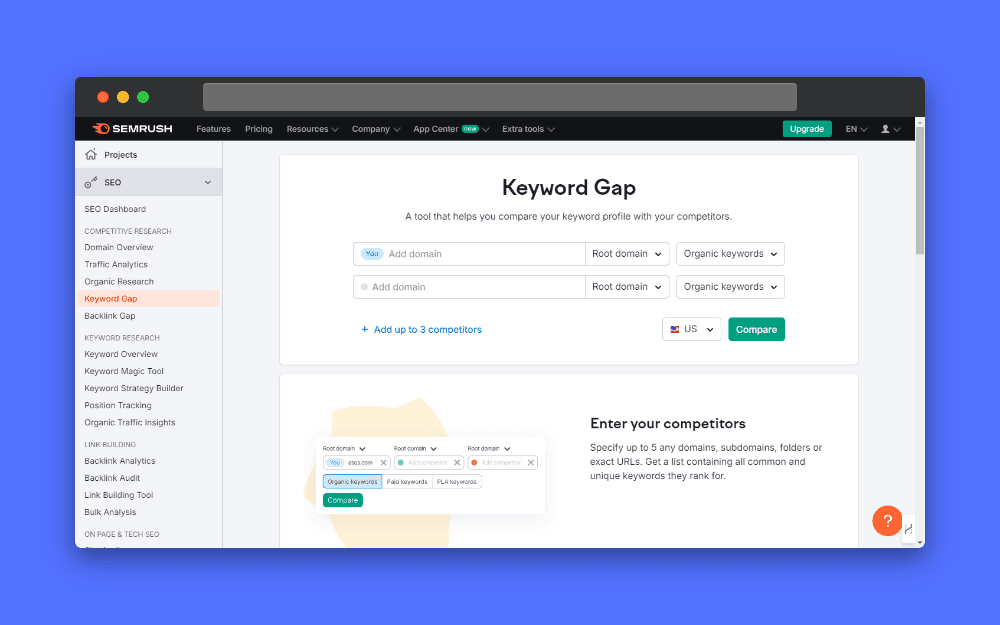
Historical example. AI-generated metrics are unverified unless linked to an identified data source. Check current features and limits.
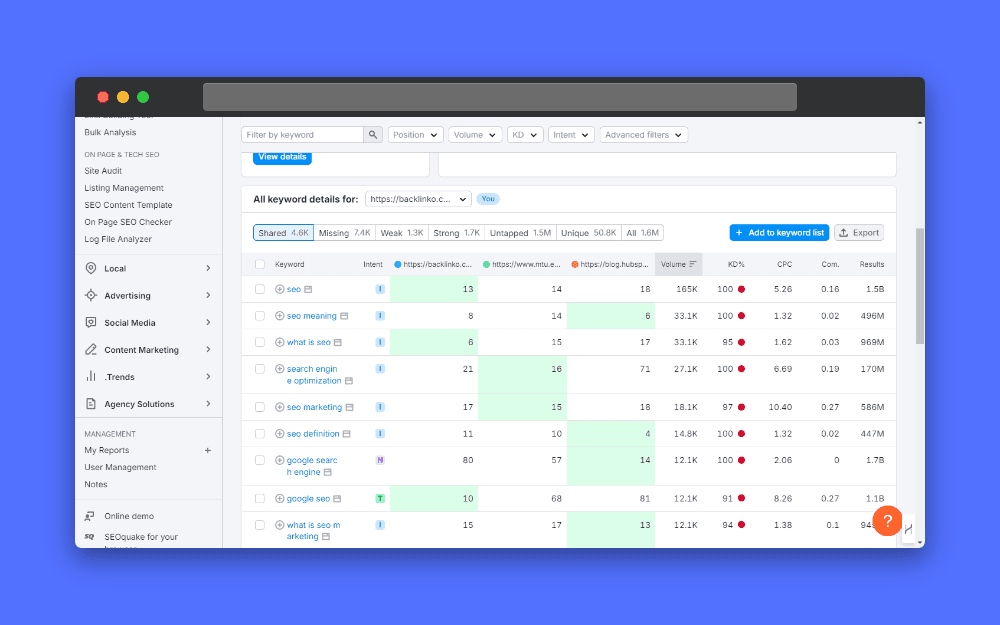
Historical example. AI-generated metrics are unverified unless linked to an identified data source. Check current features and limits.
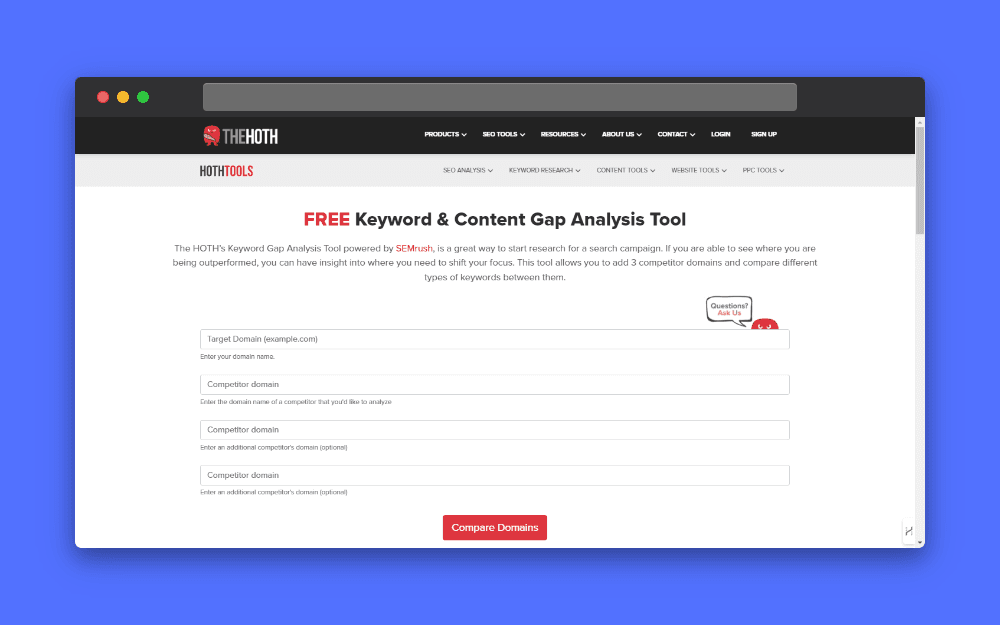
Historical example. AI-generated metrics are unverified unless linked to an identified data source. Check current features and limits.
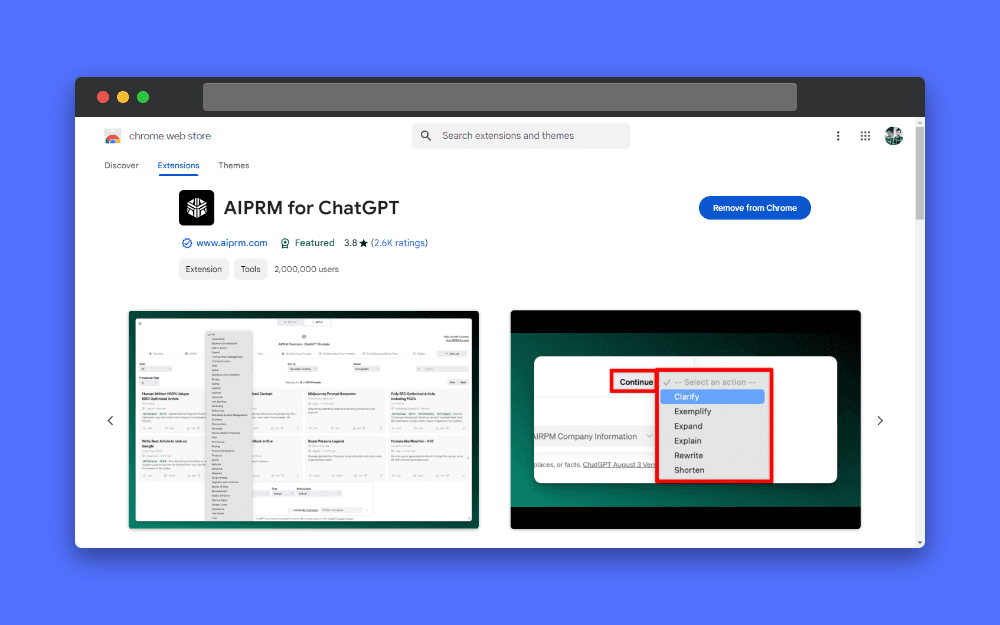
Historical example. AI-generated metrics are unverified unless linked to an identified data source. Check current features and limits.
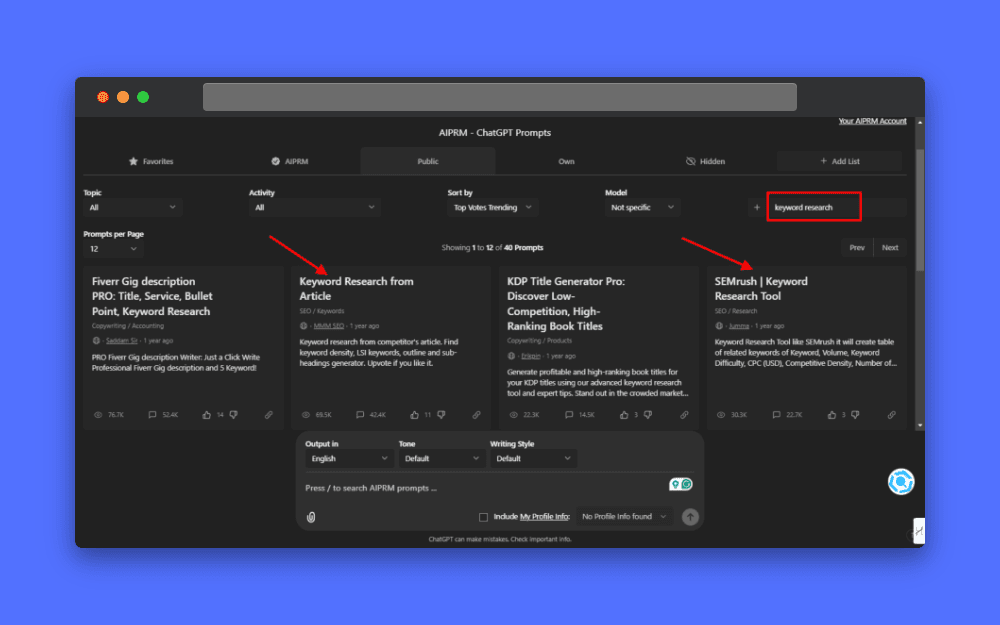
Historical example. AI-generated metrics are unverified unless linked to an identified data source. Check current features and limits.
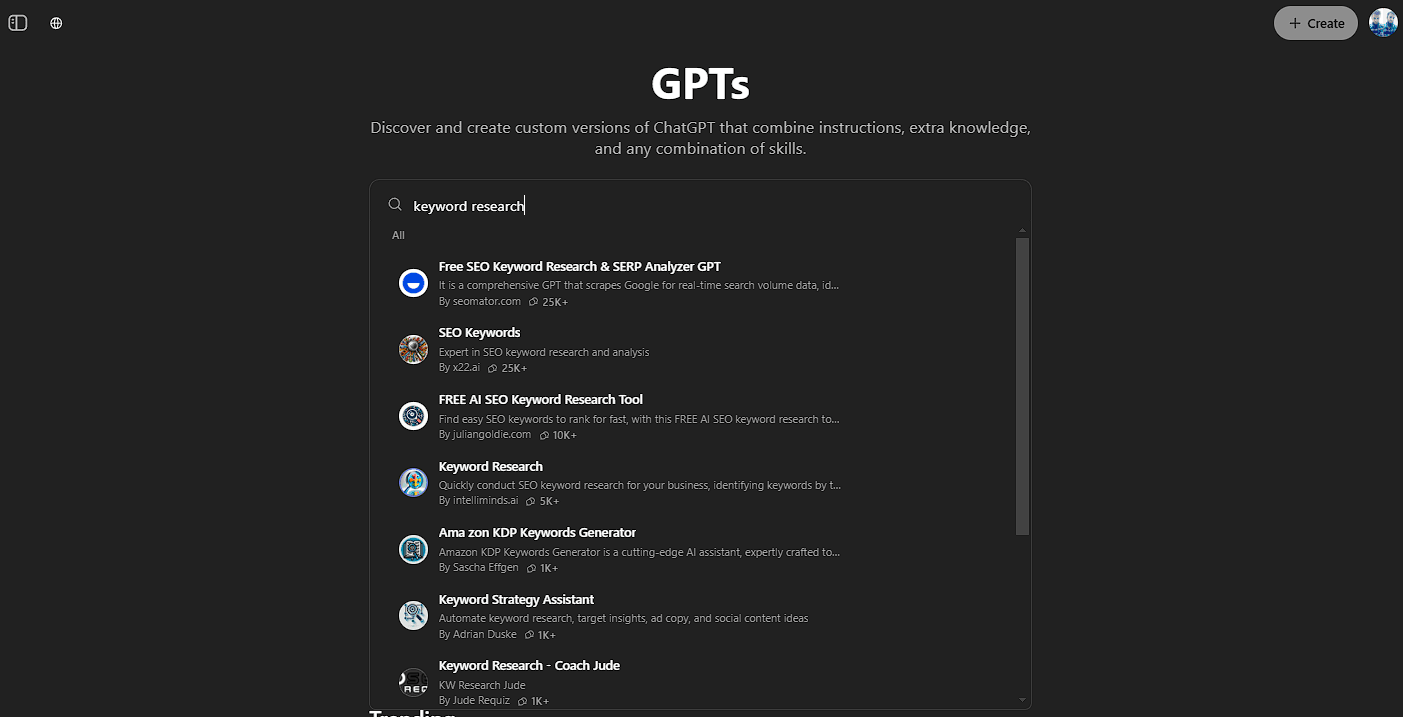
Historical example. AI-generated metrics are unverified unless linked to an identified data source. Check current features and limits.
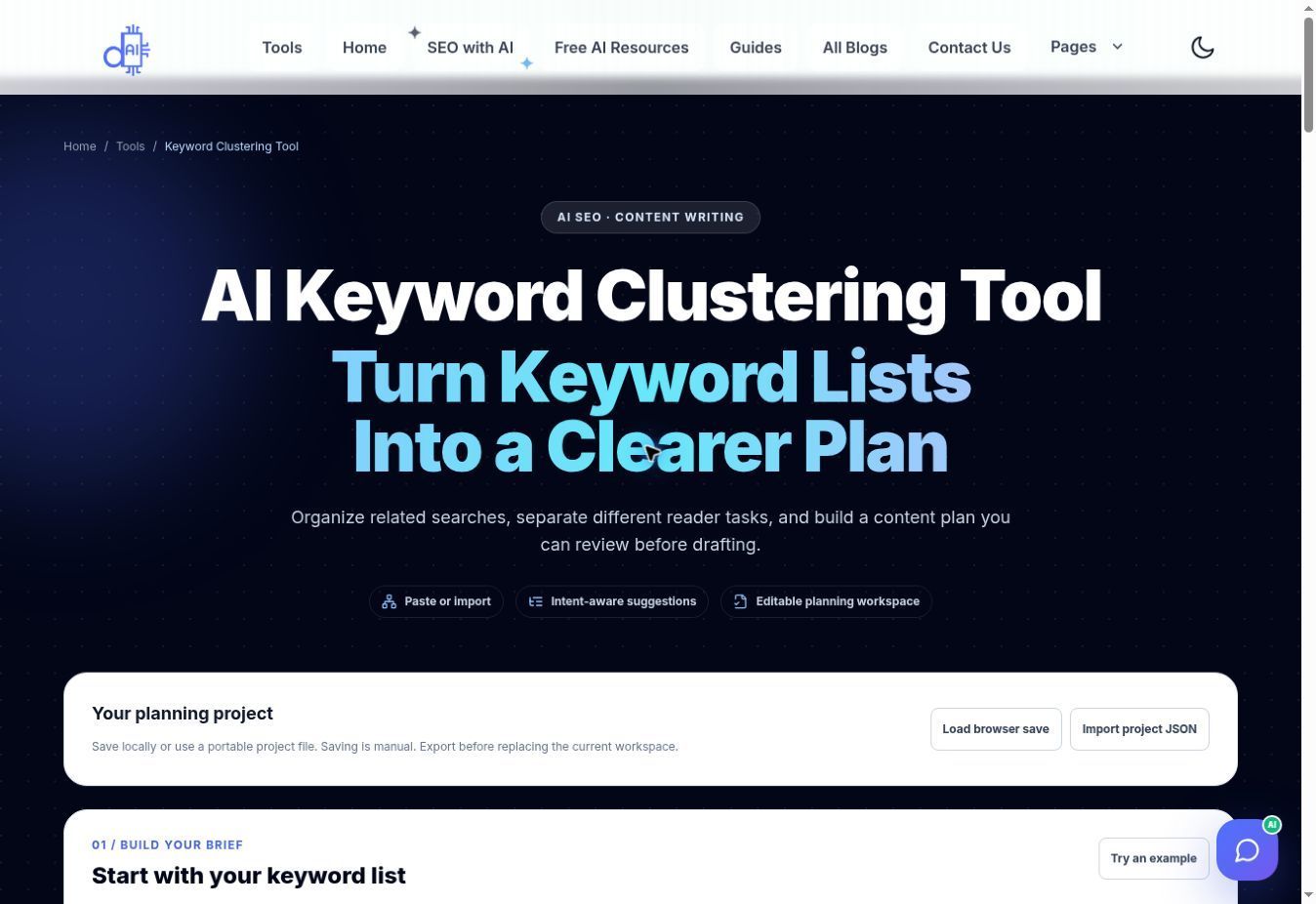
Historical example. AI-generated metrics are unverified unless linked to an identified data source. Check current features and limits.
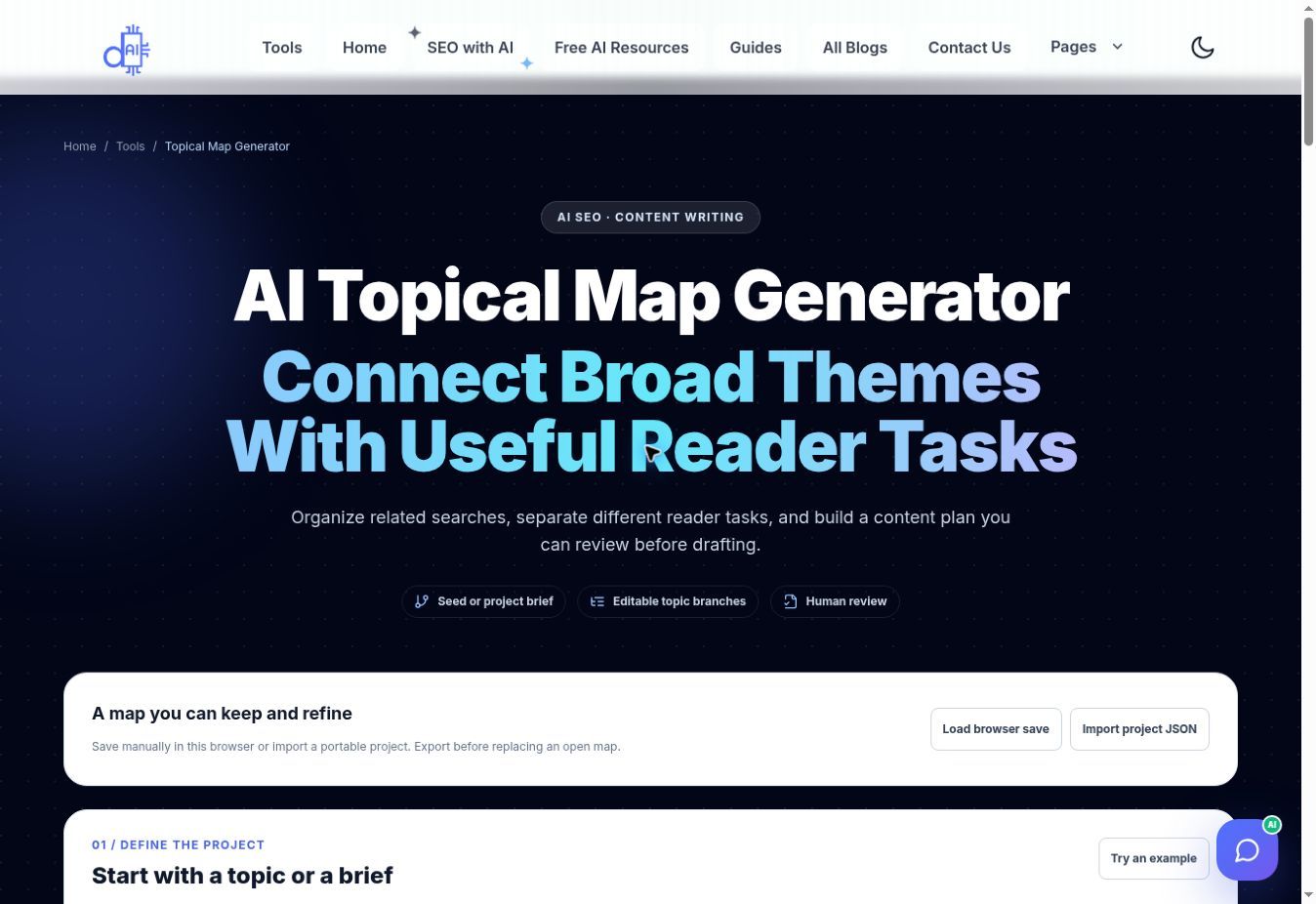
Historical example. AI-generated metrics are unverified unless linked to an identified data source. Check current features and limits.
Review results after publishing
Use Search Console to review relevant queries and pages over comparable periods. Consider market, device, seasonality, and indexing changes.
Improve pages that answer an observed task. Do not broaden a specific guide merely because a larger keyword has more volume.
A hub can connect useful guides and help navigation. The number of linked articles does not guarantee ranking for a broad keyword.
Frequently Asked Questions
Find quick answers to common questions
Only rely on metrics tied to an identified research source. Generated estimates without that source are not verified data.
No. Length does not establish demand or difficulty. Review intent, competing pages, and relevant data.
It can change the reader task, but wording alone does not determine the result set. Inspect current search results.
Group related tasks when one page can answer them well. Create another page when it serves a distinct need.
Confirm that it accessed the page, or supply the content. Page text alone does not reveal actual organic traffic.
Not necessarily, but it also does not prove demand. Look for relevant supporting evidence before investing.
No. Internal links help navigation and discovery, while ranking depends on many factors.
Still have questions? Contact our support team for personalized assistance.
Sufian Mustafa
Sufian Mustafa is an AI SEO Strategist, Developer, and the founder of Do It With AI Tools.
Following an 18-month deep-dive into AI-assisted development, Sufian built this platform from the ground up to serve as a hub for battle-tested workflows and practical AI resources.
By combining technical expertise with advanced prompt engineering, he builds high-performance content engines optimized for modern AI search (GEO/AEO)
Mission: Help creators 10x their productivity using the same strategies he uses to maintain 99% technical SEO health and top rankings.