
KEYWORD RESEARCH · SIX PRACTICAL PROMPTS
ChatGPT prompts for search intent
Understand the task behind a query before choosing what to publish.
These prompts separate keyword clues from supplied result evidence. Customize each brief, review uncertainty, and build a focused content plan.
 Sufian MustafaFounder and author · Do It With AI Tools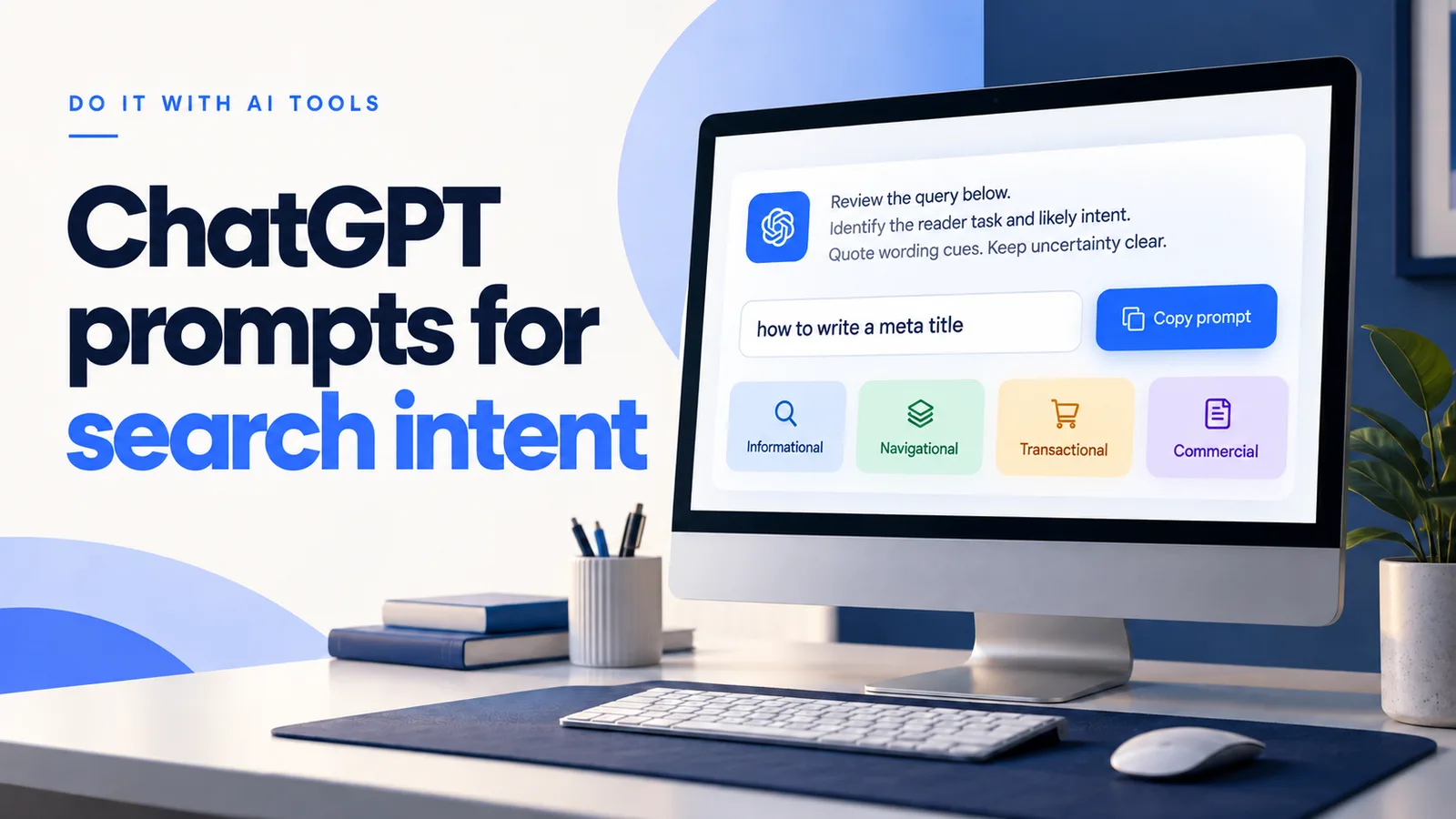
What search intent tells you
Search intent, also called keyword intent, describes the task someone wants to complete through a search.
Knowing the topic is only the start. A reader seeking instructions needs a different experience from someone ready to buy.
Consider “how to write a meta title” and “meta title generator.” Both concern titles, but the second may require an interactive tool.
A wording clue offers a starting interpretation. Current results can provide additional evidence about page types and reader expectations.
| Intent | Reader task | Starting strategy |
|---|---|---|
| Informational | Learn how to write a meta title | Explain the task and demonstrate it. |
| Navigational | Reach ChatGPT login | Help readers reach the official destination. |
| Commercial investigation | Compare the best writing tools | Present criteria, limitations, and supported comparisons. |
| Transactional | Buy a keyword research course | Clarify the offer, terms, and next action. |
Mixed intent is possible. Do not force a single label when the wording or observed results support competing tasks.
How to turn search intent into a useful page
Search engines interpret queries and assess which pages may satisfy them. A modifier is a clue, rather than a complete explanation of the reader.
For a practical review, separate the reader’s task from the page’s format. Then decide what evidence, examples, or functionality would complete that task.
Choose the type, format, and angle separately
A page type could be a guide, product page, category, or interactive tool. A format could be a tutorial, comparison, or checklist.
The angle identifies the audience or constraint you serve. For example, beginners may need setup steps, while experienced teams may need workflow comparisons.
Ahrefs’ search intent guide explains this distinction. Use it to interpret evidence without copying another page’s structure blindly.
Make the next action match the reader’s task
A tutorial can offer a worked example or relevant tool. A comparison should help readers choose using clear criteria and disclosed limitations.
A transactional page needs understandable terms and an accessible action. A navigational page should make the intended destination easy to find.
Use a keyword intent checker as a starting point
Enter the exact query in our Search Intent Checker. Inspect its supporting wording and suggested reader task.
For a deeper review, add your audience and current result notes. Our tool interprets those notes without independently verifying the result sample.
If the evidence conflicts, preserve that uncertainty. Recheck the exact query, market, and language before changing a useful page.
Review usefulness after publishing
Compare relevant Search Console queries with the page’s purpose. Look for mismatched promises, missing examples, or an action that interrupts the reader’s task.
Clicks and position alone do not establish an intent problem. Check changes in context before making large rewrites.
Use evidence before choosing a format
- Record the exact query, audience, market, language, and review date.
- Run a wording-only check. Keep broad queries uncertain.
- Inspect current results manually. Record visible titles, destinations, page types, and meaningful differences.
- Use one query when reviewing result notes. Separate your observations from your interpretation.
- Choose a primary reader task, then decide the page type, format, and angle.
- Check your draft against that task before polishing titles and headings.
Remove confidential information from your notes. Public URLs alone do not provide page content to these prompts.
If your assistant browses, request source URLs and observation dates. Check those sources yourself before relying on the interpretation.
Six prompts you can customize
Start with the first prompt. Use later prompts when you have the evidence or draft they require.
Each prompt carries its own context. You can copy it into a new conversation without relying on earlier messages.
1. Estimate intent from keyword wording
Start here when you have a query but no current search-result evidence.
Customize and copy this prompt
1. Add your context
Use real details from your content. Inputs stay here while this page is open.
Review before accepting Check exact cues, missing evidence, and whether the suggested task matches your reader.
2. Review actual search-result notes
Use observations you collected for one exact query, market, and date.
Customize and copy this prompt
1. Add your context
Use real details from your content. Inputs stay here while this page is open.
Review before accepting Check exact cues, missing evidence, and whether the suggested task matches your reader.
3. Resolve mixed or ambiguous intent
Investigate conflicting tasks before deciding what to publish.
Customize and copy this prompt
1. Add your context
Use real details from your content. Inputs stay here while this page is open.
Review before accepting Check exact cues, missing evidence, and whether the suggested task matches your reader.
4. Choose a page type, format, and angle
Turn reviewed intent into a practical editorial decision.
Customize and copy this prompt
1. Add your context
Use real details from your content. Inputs stay here while this page is open.
Review before accepting Check exact cues, missing evidence, and whether the suggested task matches your reader.
5. Check an existing page against intent
Compare your draft with the reader task before rewriting it.
Customize and copy this prompt
1. Add your context
Use real details from your content. Inputs stay here while this page is open.
Review before accepting Check exact cues, missing evidence, and whether the suggested task matches your reader.
6. Create a verified editorial handoff
Finish with a brief that keeps evidence gaps visible.
Customize and copy this prompt
1. Add your context
Use real details from your content. Inputs stay here while this page is open.
Review before accepting Check exact cues, missing evidence, and whether the suggested task matches your reader.
A worked example without invented search results
Query “how to write a meta title”
Context New bloggers writing an English tutorial. No live result notes are available.
Provisional interpretation Informational intent. The phrase “how to” suggests a practical learning task.
Useful starting format A guide explaining the title’s role, a repeatable writing process, and examples with clear reasoning.
Still unknown Which formats appear in current results, which reader constraints dominate, and whether a tool experience also matters.
This example uses supplied wording only. It does not establish current rankings or prove that a tutorial will outperform other formats.
Compare “best meta title tools.” The comparison cue suggests commercial investigation, so meaningful selection criteria become more useful than writing instructions alone.
Common mistakes to avoid
- Assuming every branded query is navigational. A brand plus “alternatives” may signal comparison.
- Treating a modifier as conclusive evidence. Wording and current results can disagree.
- Combining every possible task into one unfocused page.
- Calling AI output a live search audit without checking its sources.
- Inventing volume, difficulty, or confidence percentages to make the report seem complete.
- Rewriting useful content before confirming that its reader task is actually wrong.
Keep building your content workflow
Research your target audience
Clarify who the page serves before selecting its angle.
Read the guide ↗Plan keyword research with ChatGPT
Connect query ideas with the questions your content needs to answer.
Read the guide ↗Write accurate titles and descriptions
Use your reviewed page purpose to create a faithful search preview.
Read the guide ↗Questions about search intent prompts
Why can a tool label disagree with the results I see?
A wording estimate and a live result sample use different evidence. Check the exact query, location, language, and date before accepting either interpretation.
Should I add more words when a page does not match intent?
Extra text may not solve a task mismatch. First check the page type, opening promise, useful examples, and next action.
Are search intent and keyword intent different?
Both terms describe the reader task behind a search query. Use the same evidence-led workflow for either term.
Can ChatGPT determine intent from a keyword alone?
It can suggest an interpretation from wording. Broad queries and conflicting cues need more context and current result inspection.
Do these prompts automatically search Google?
No. They work with your supplied inputs. Any browsing depends on your assistant, and retrieved evidence still needs review.
Should mixed intent always become separate pages?
No. Decide whether the tasks fit one coherent experience. Separate pages are useful when reader goals conflict, not merely because labels differ.
Will matching intent guarantee rankings or AI citations?
No. Intent alignment supports a useful page purpose. It does not establish ranking outcomes, factual accuracy, or citation likelihood.
Sources and editorial boundaries
Reviewed on October 25, 2026. The prompts are editorial workflows, not a measured search-intent model.
- Semrush’s keyword intent guide explains the terminology, categories, and mixed intents.
- Google’s people-first content guidance supports focusing on a real audience and useful content.
Our examples are illustrative. Their suggested formats must be checked against your actual page purpose and current evidence.